
How to Remove Yourself from Radaris
To remove yourself from Radaris, go to radaris.com/control/privacy, create a free account, find your listing, and submit an opt-out request. Radaris processes removals within 3–5 business days. Note: Radaris requires account creation to opt out, which some users find intrusive.
What Is Radaris?
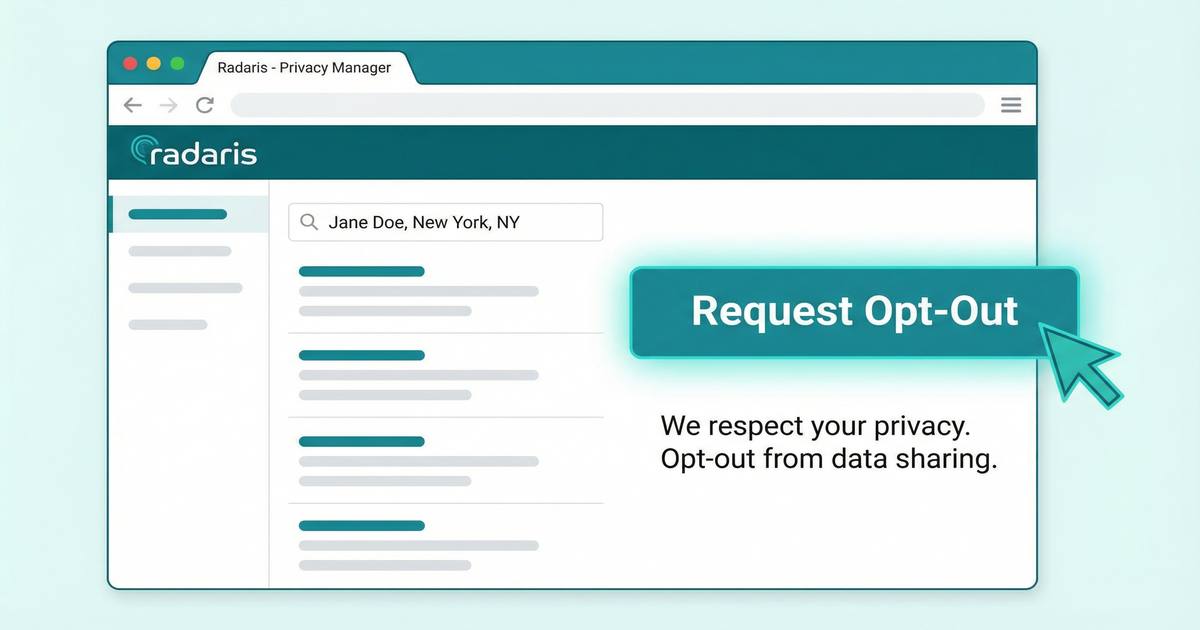
Radaris is a people-search website that aggregates personal information from public records, social media, and other sources. It collects and publishes your name, address, phone number, email, age, relatives, and social media profiles without your consent.
How to Opt Out of Radaris: Step-by-Step
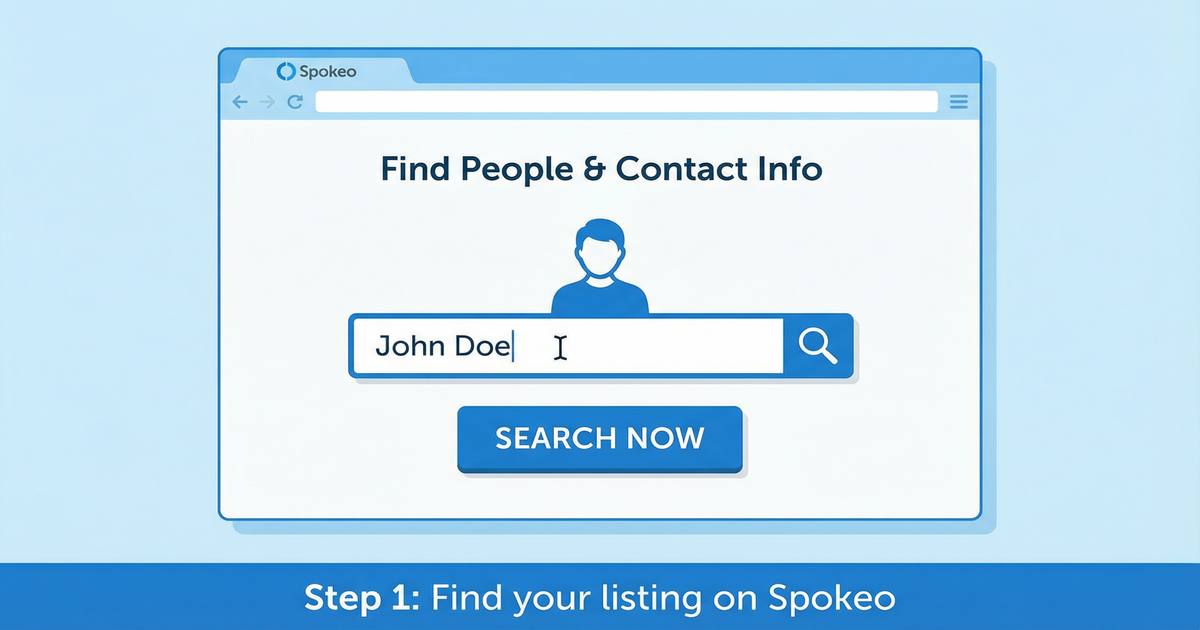
Find your listing on Radaris
Go to radaris.com and search for your name to find your listing(s).
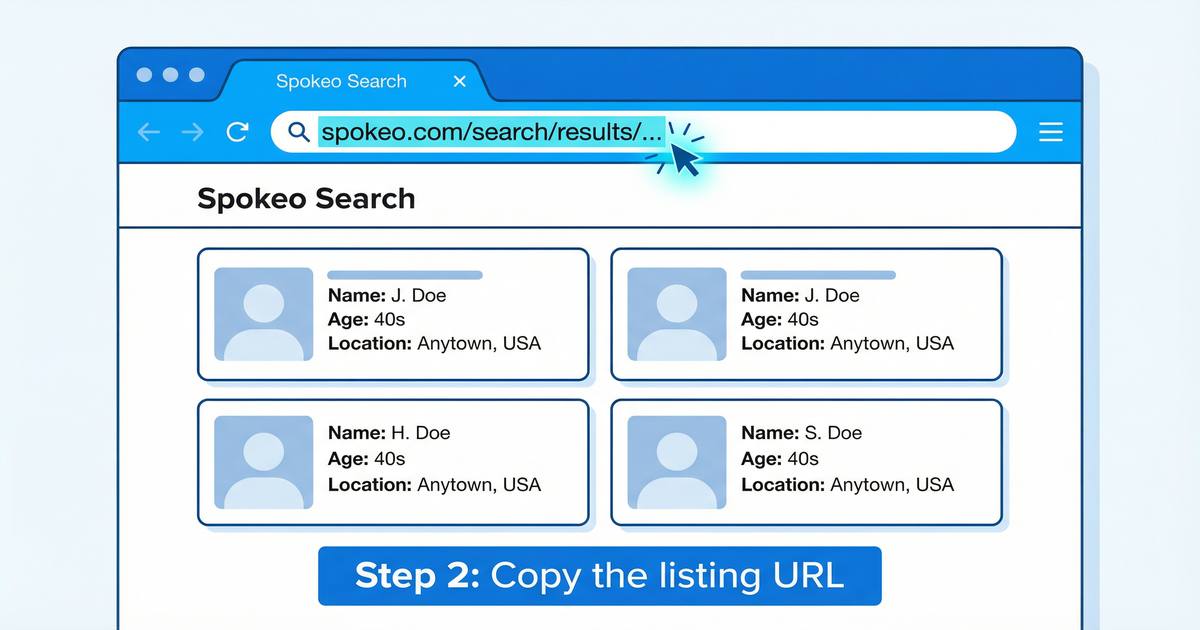
Copy the listing URL
Open your listing and copy the full URL from your browser's address bar.
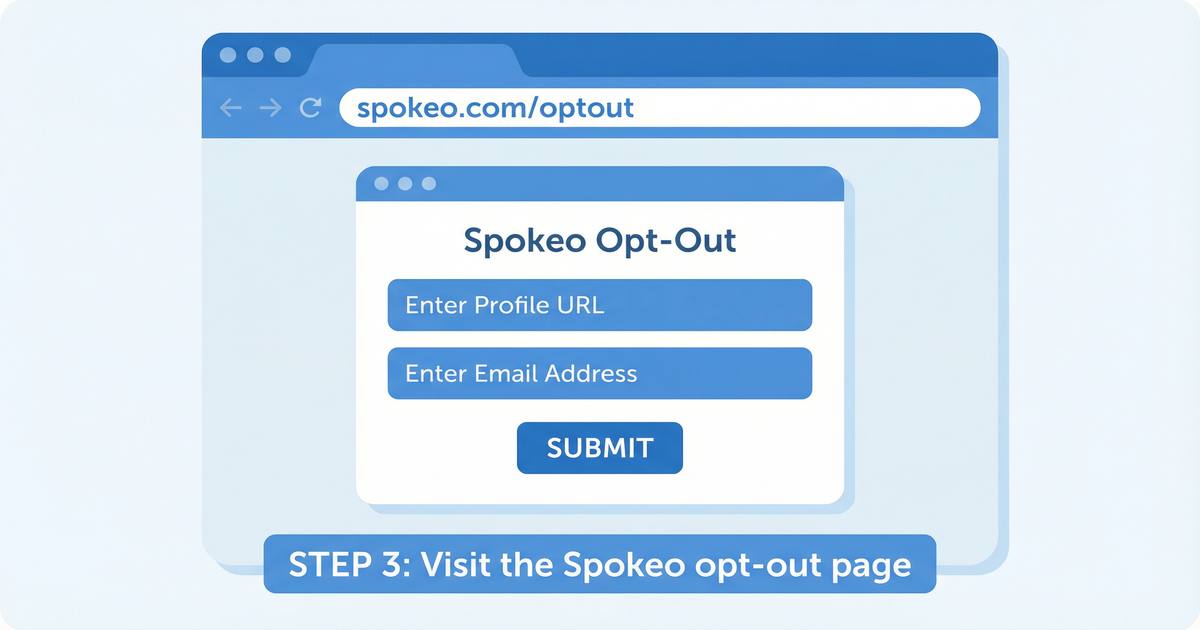
Go to the Radaris privacy control page
Navigate to radaris.com/control/privacy.
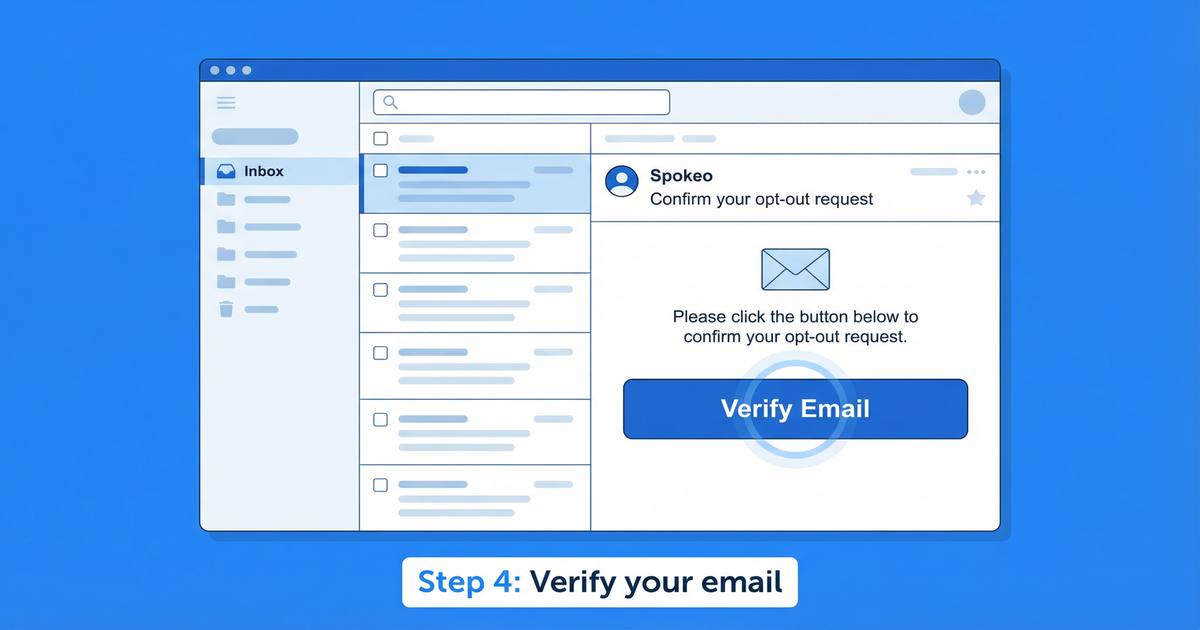
Create a Radaris account
Radaris requires you to create a free account to submit an opt-out request. Use an email address that is not associated with your personal information.
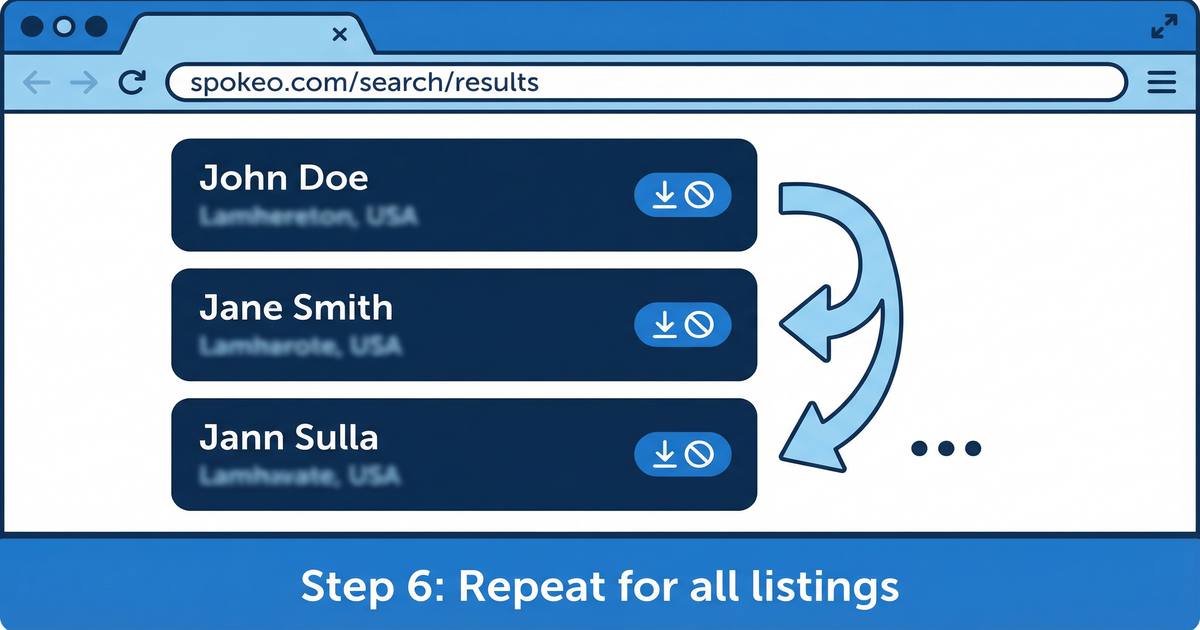
Submit your opt-out request
After logging in, find your listing and submit an opt-out request.
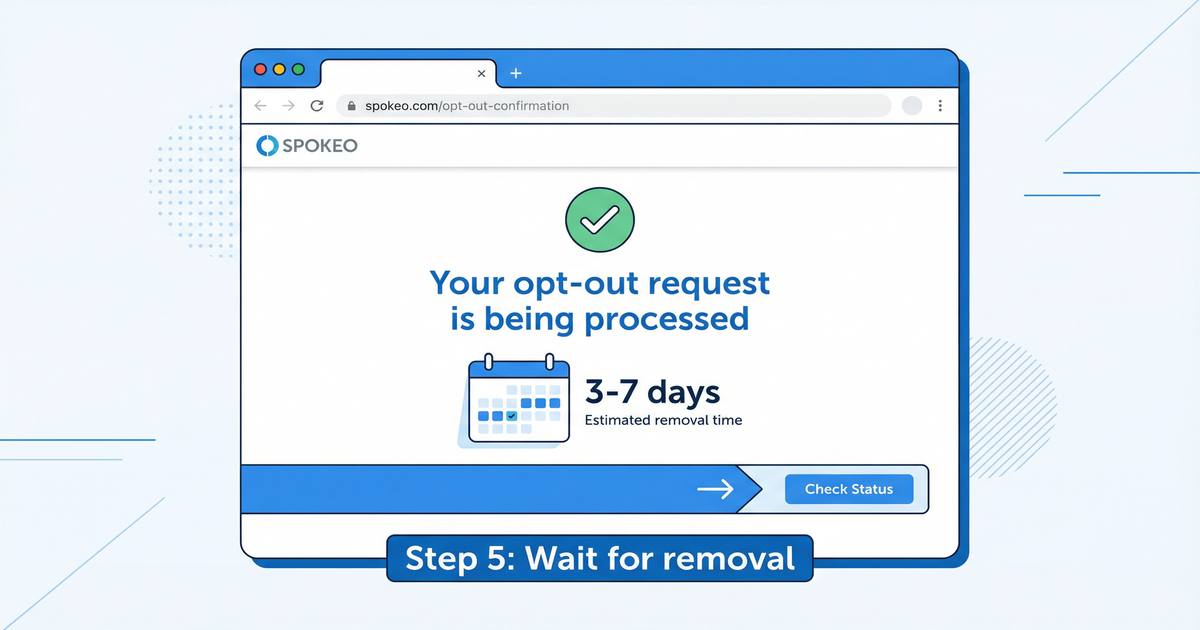
Wait for removal
Radaris typically processes opt-out requests within 3–5 business days.
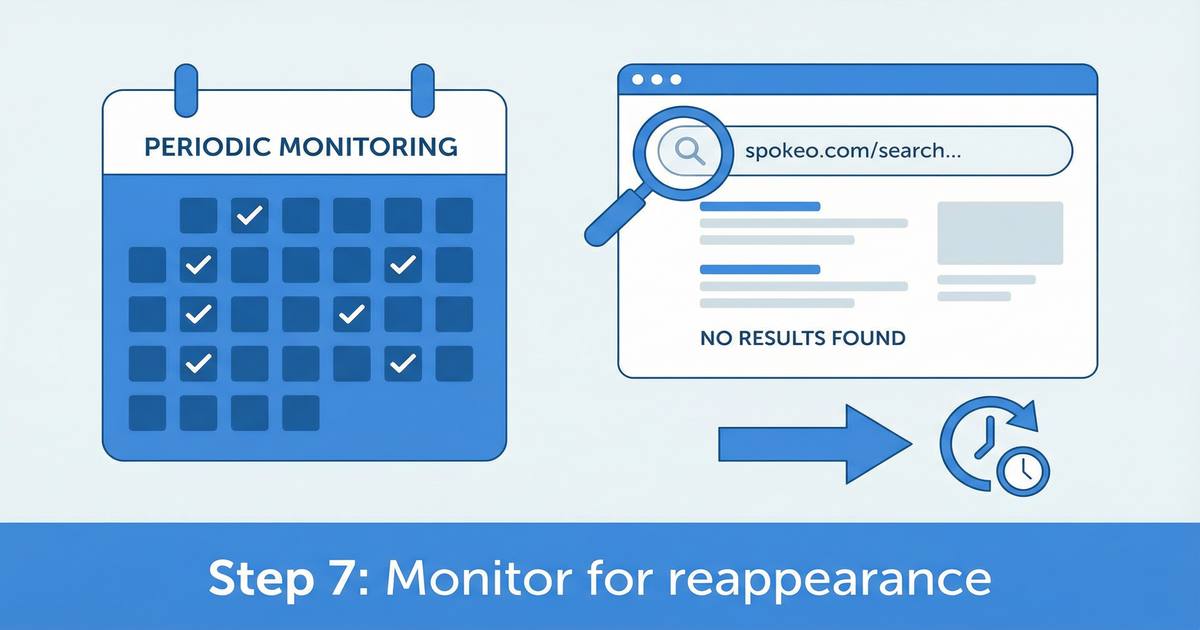
Monitor for reappearance
Radaris continuously collects new data. Your information may reappear and require another opt-out.
The Easier Alternative: RemoveMe
RemoveMe automates opt-outs across 115+ data broker sites including Radaris, verifies removal, and continuously re-removes your data whenever it reappears.
Get RemoveMe — $10.00/monthFrequently Asked Questions
How do I remove myself from Radaris?
To remove yourself from Radaris, go to radaris.com/control/privacy, create a free Radaris account, find your listing, and submit an opt-out request. Radaris processes removal requests within 3–5 business days. Note that Radaris requires you to create an account to opt out, which some users find intrusive.
Does Radaris require an account to opt out?
Yes. Unlike some other data brokers, Radaris requires you to create a free account on their website before you can submit an opt-out request. You can use a separate email address that is not associated with your personal information.
How long does Radaris take to remove your information?
Radaris typically processes opt-out requests within 3–5 business days. However, your information may reappear on Radaris within a few months as the site continuously collects new data from public records.
Is there an easier way to remove my information from Radaris and other data brokers?
Yes. RemoveMe automates opt-out requests to 115+ data broker sites including Radaris, verifies removal, and continuously monitors for reappearance — saving you 200+ hours of manual effort.