
How to Remove Yourself from Spokeo
To remove yourself from Spokeo, go to spokeo.com/optout, find your listing, copy the listing URL, paste it into the opt-out form, enter your email, and verify your email. Spokeo processes removal requests within 3–7 business days. However, your information may reappear as Spokeo continuously collects new data from public records — requiring repeated opt-outs.
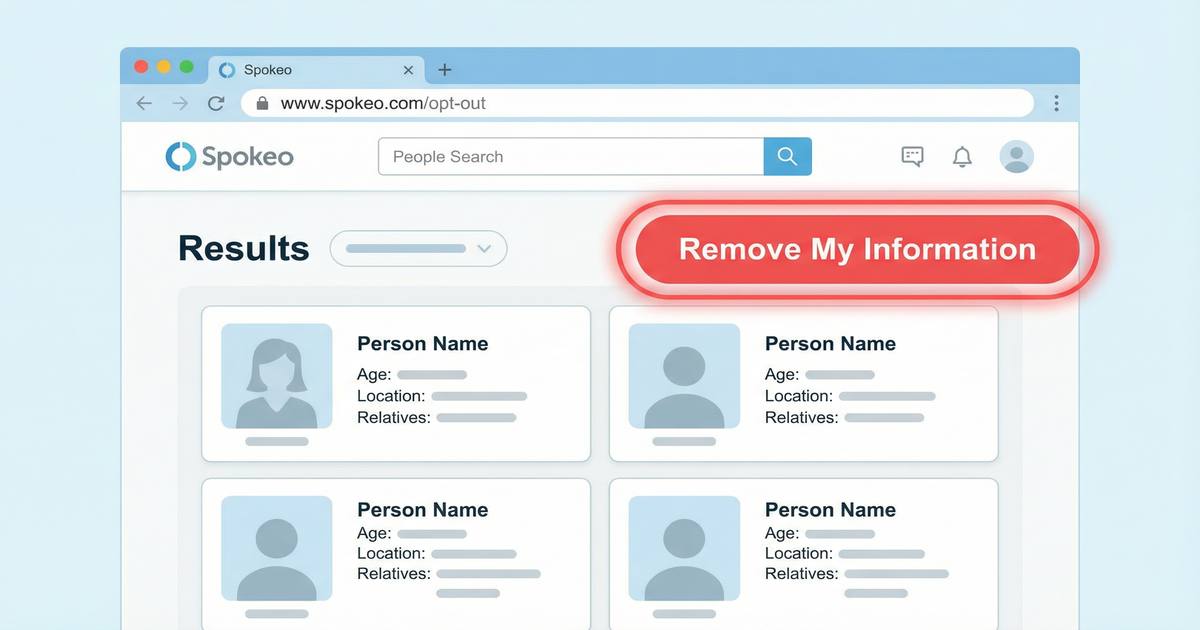
What Is Spokeo?
Spokeo is a people-search website that aggregates personal information from public records, social media, and other sources to create searchable profiles about individuals. It collects and publishes your name, address, phone number, email, age, relatives, employment history, and photos without your consent. Anyone can search for your information on Spokeo by entering your name.
How to Opt Out of Spokeo: Step-by-Step
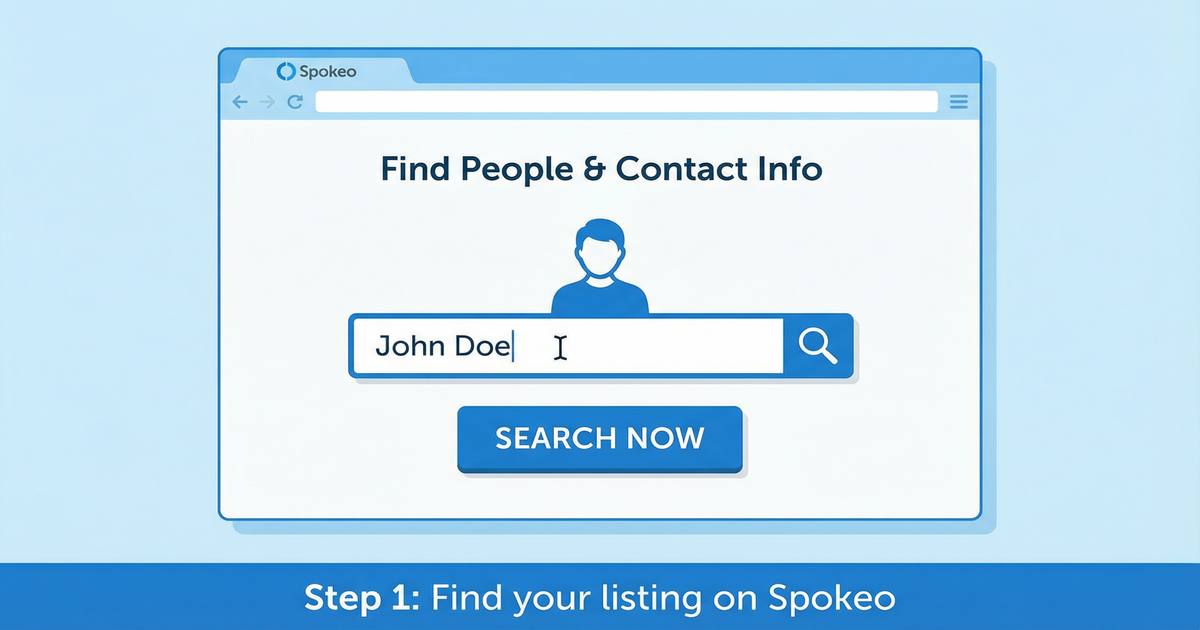
Find your listing on Spokeo
Go to spokeo.com and search for your name. You may find multiple listings if you have lived at different addresses. Note the URL of each listing you want to remove.
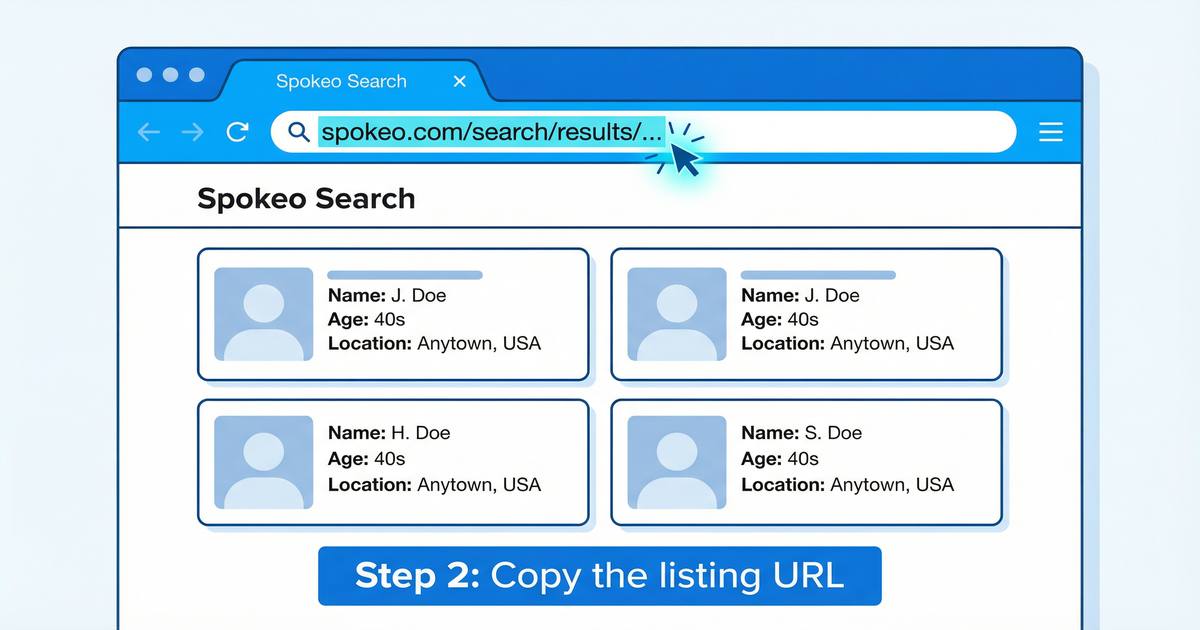
Copy the listing URL
Click on your listing to open it, then copy the full URL from your browser's address bar. You will need this URL to submit your opt-out request.
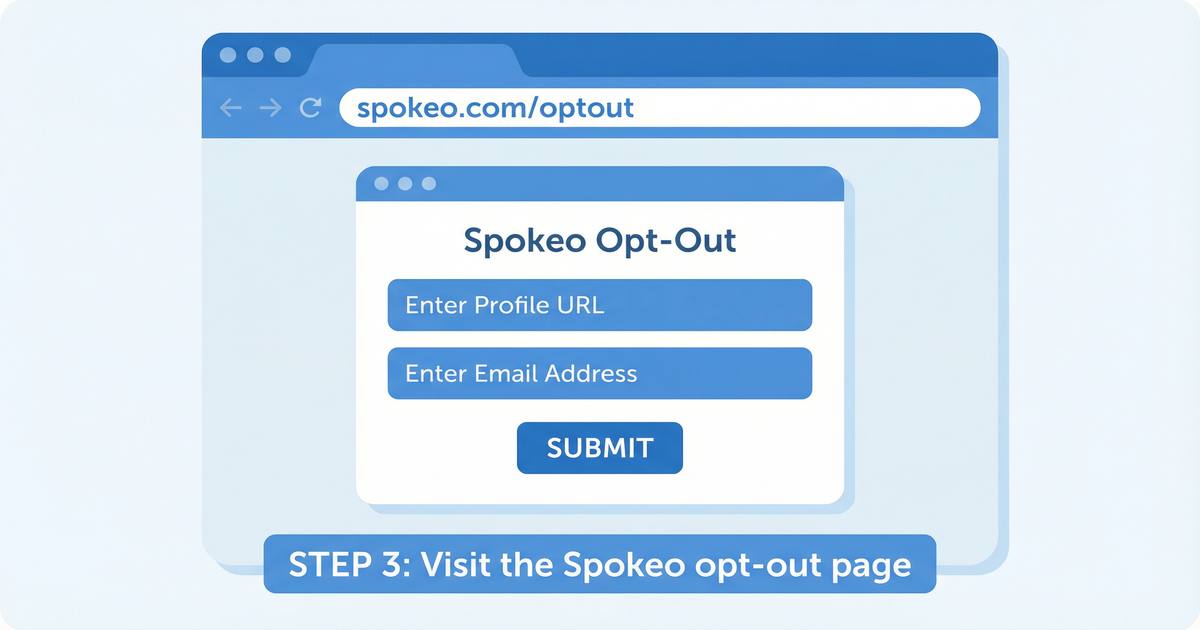
Visit the Spokeo opt-out page
Go to spokeo.com/optout. Paste the URL of your listing into the opt-out form and enter your email address.
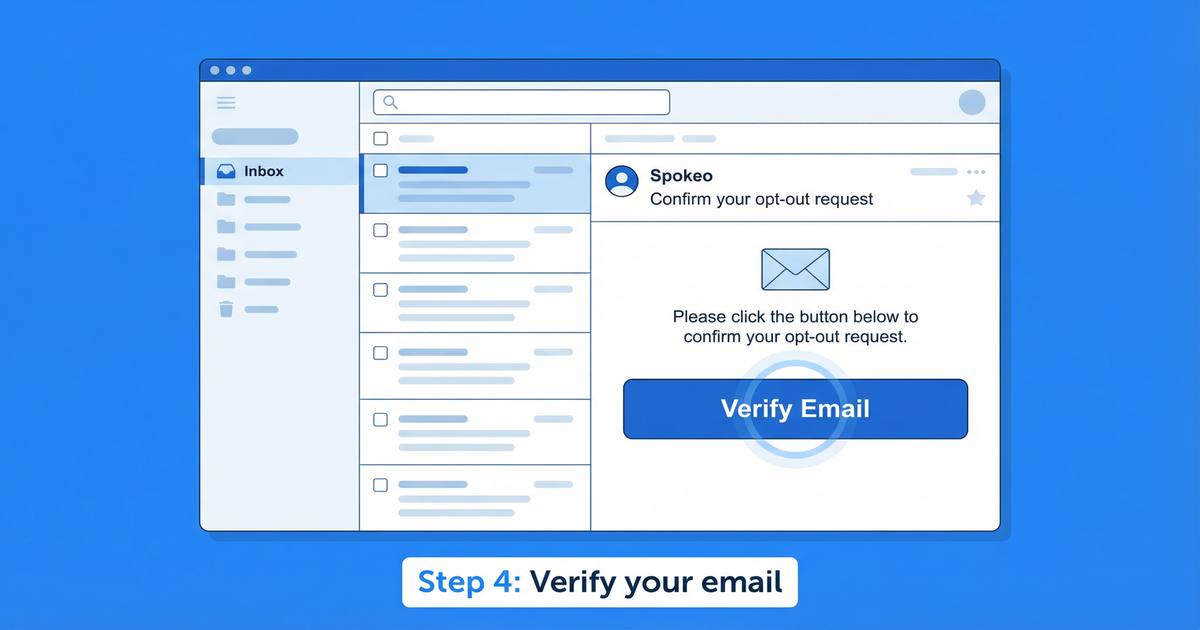
Verify your email
Spokeo will send a confirmation email to the address you provided. Click the verification link in the email to confirm your opt-out request.
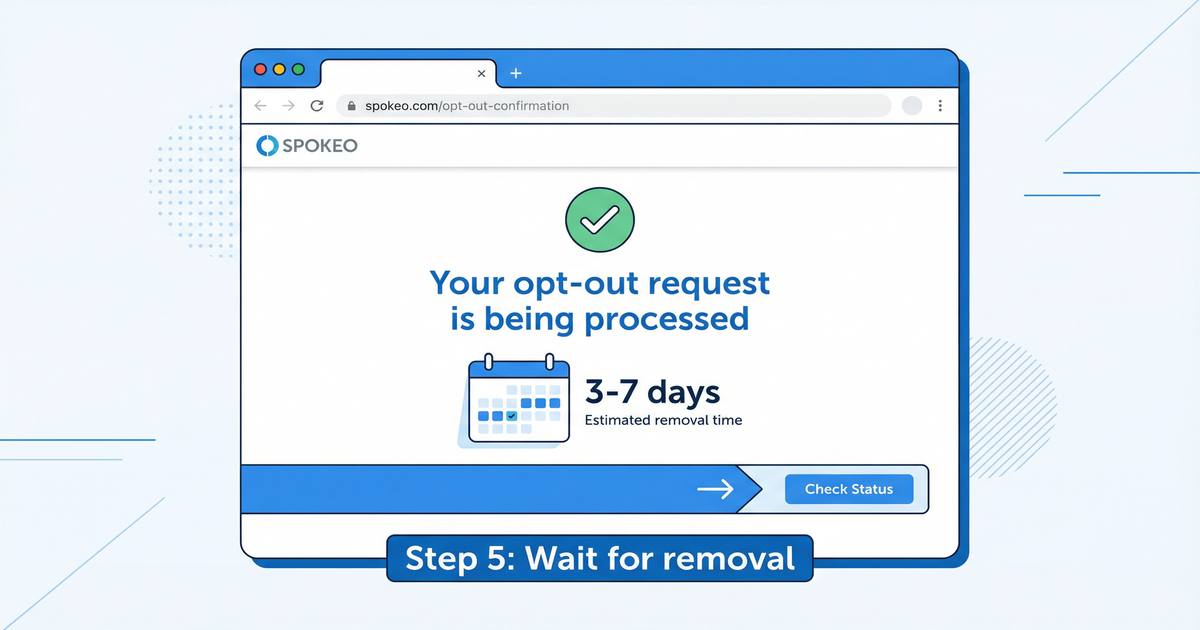
Wait for removal
Spokeo typically processes opt-out requests within 3–7 business days. After removal, your listing will no longer appear in Spokeo search results.
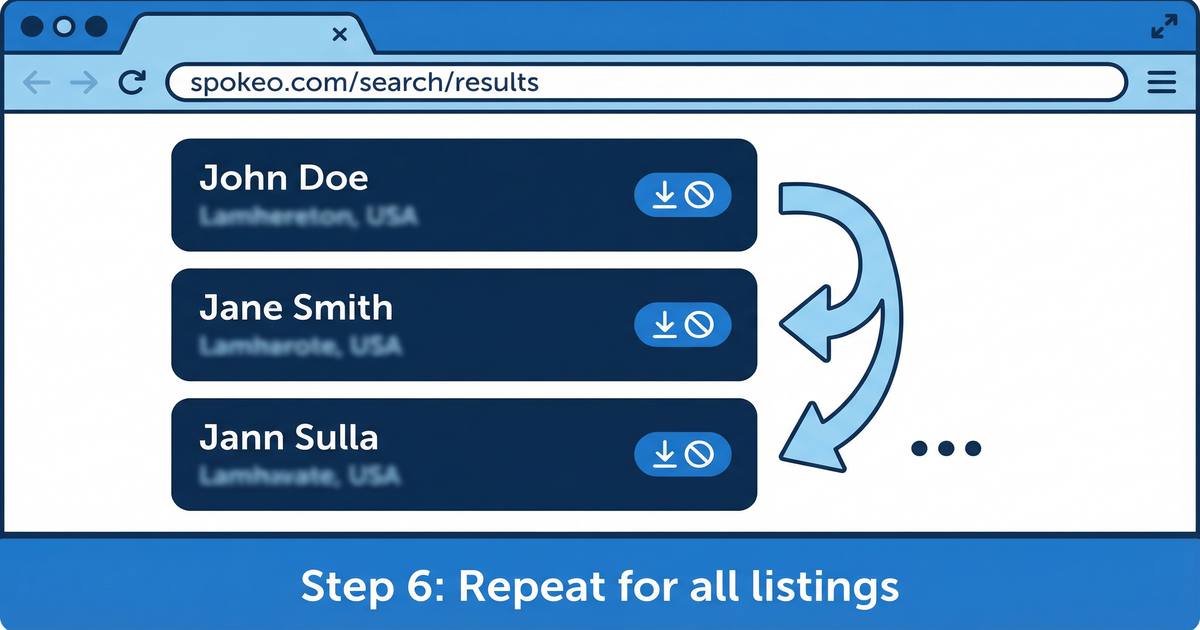
Repeat for all listings
If you found multiple listings for yourself on Spokeo, you must submit a separate opt-out request for each one. Spokeo does not offer a bulk opt-out option.
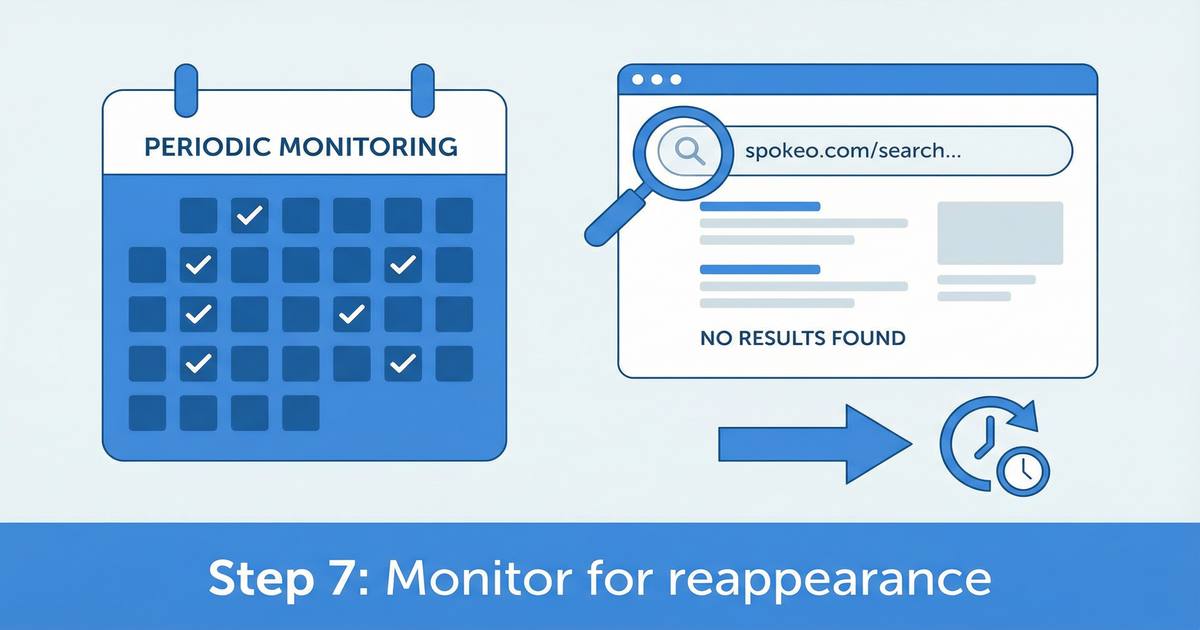
Monitor for reappearance
Spokeo continuously collects new data from public records. Your information may reappear on Spokeo within a few months, requiring you to repeat the opt-out process.
The Problem with Manual Spokeo Opt-Outs
Even after successfully removing your information from Spokeo, it can reappear within a few months. Spokeo continuously collects new data from public records, voter registration databases, and other sources — which means the removal process must be repeated regularly. Additionally, Spokeo is just one of 115+ data broker sites that may have your information. Manually opting out of all of them requires 200+ hours of effort.
The Easier Alternative: RemoveMe
Instead of manually opting out of Spokeo and 114 other data broker sites, RemoveMe automates the entire process. RemoveMe submits opt-out requests to 115+ sites including Spokeo, verifies removal, and continuously re-removes your data whenever it reappears.
Frequently Asked Questions
How do I remove myself from Spokeo?
To remove yourself from Spokeo, go to https://www.spokeo.com/optout, search for your listing, copy the listing URL, paste it into the opt-out form, enter your email address, and verify your email. Spokeo typically processes removal requests within 3–7 business days.
How long does Spokeo take to remove your information?
Spokeo typically processes opt-out requests within 3–7 business days after email verification. However, your information may reappear on Spokeo within a few months as the site continuously collects new data from public records.
Does Spokeo removal last permanently?
No. Spokeo continuously collects new data from public records, which means your information can reappear after removal. Most people need to repeat the opt-out process every few months to keep their information removed. Automated services like RemoveMe handle this continuous re-removal automatically.
Is there an easier way to remove my information from Spokeo and other data brokers?
Yes. Instead of manually opting out of Spokeo and 114 other data broker sites individually, you can use RemoveMe to automate the entire process. RemoveMe submits opt-out requests to 115+ data broker sites including Spokeo, verifies removal, and continuously monitors for reappearance — saving you 200+ hours of manual effort.